Restart Paralives, finish Steam or archive delivery, check the correct category, install required dependencies and test one missing item with filters cleared.
Where the mod should appear
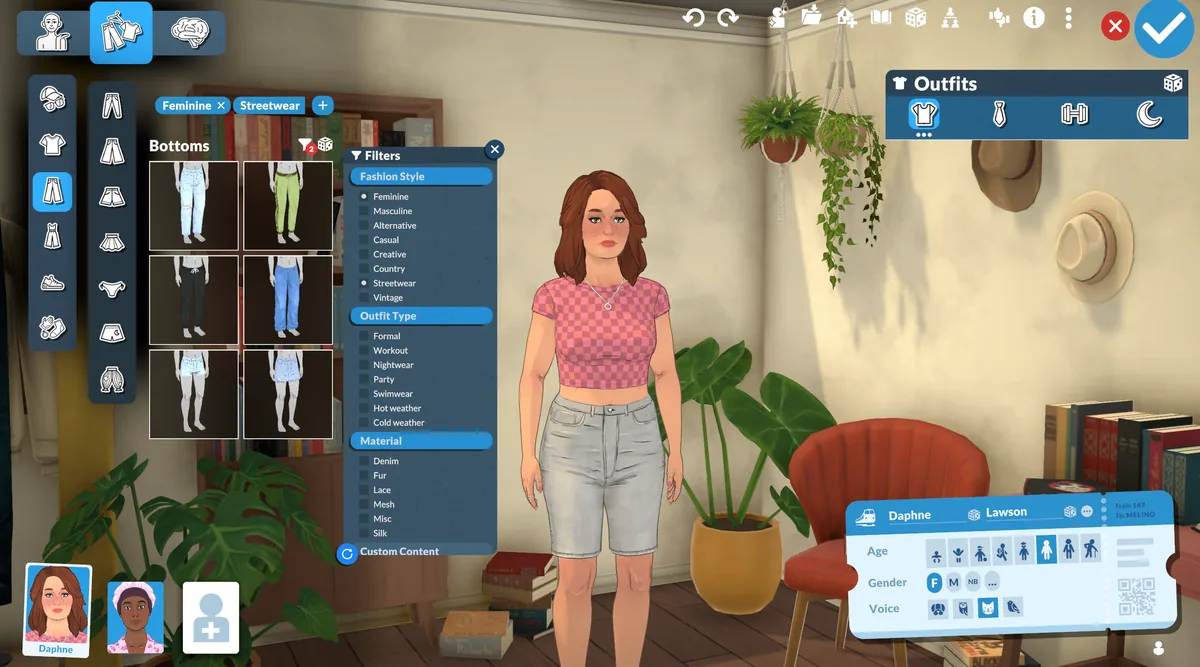
Start by naming the exact symptom: Paralives mods not showing up in the Paramaker, build mode, a mod list or a gameplay setting. Hair, clothes and accessories belong in the relevant Paramaker category; furniture and decor belong in build mode; a script may change behavior without adding a thumbnail.
Compare the creator description with the expected result before moving files. A missing menu entry can be a category or filter problem rather than a failed installation.
- Paramaker for hair, clothes and accessories
- Build mode for furniture, floors and decor
- Mod settings or gameplay for script changes
- Steam Downloads for Workshop delivery state
Check the source and download state
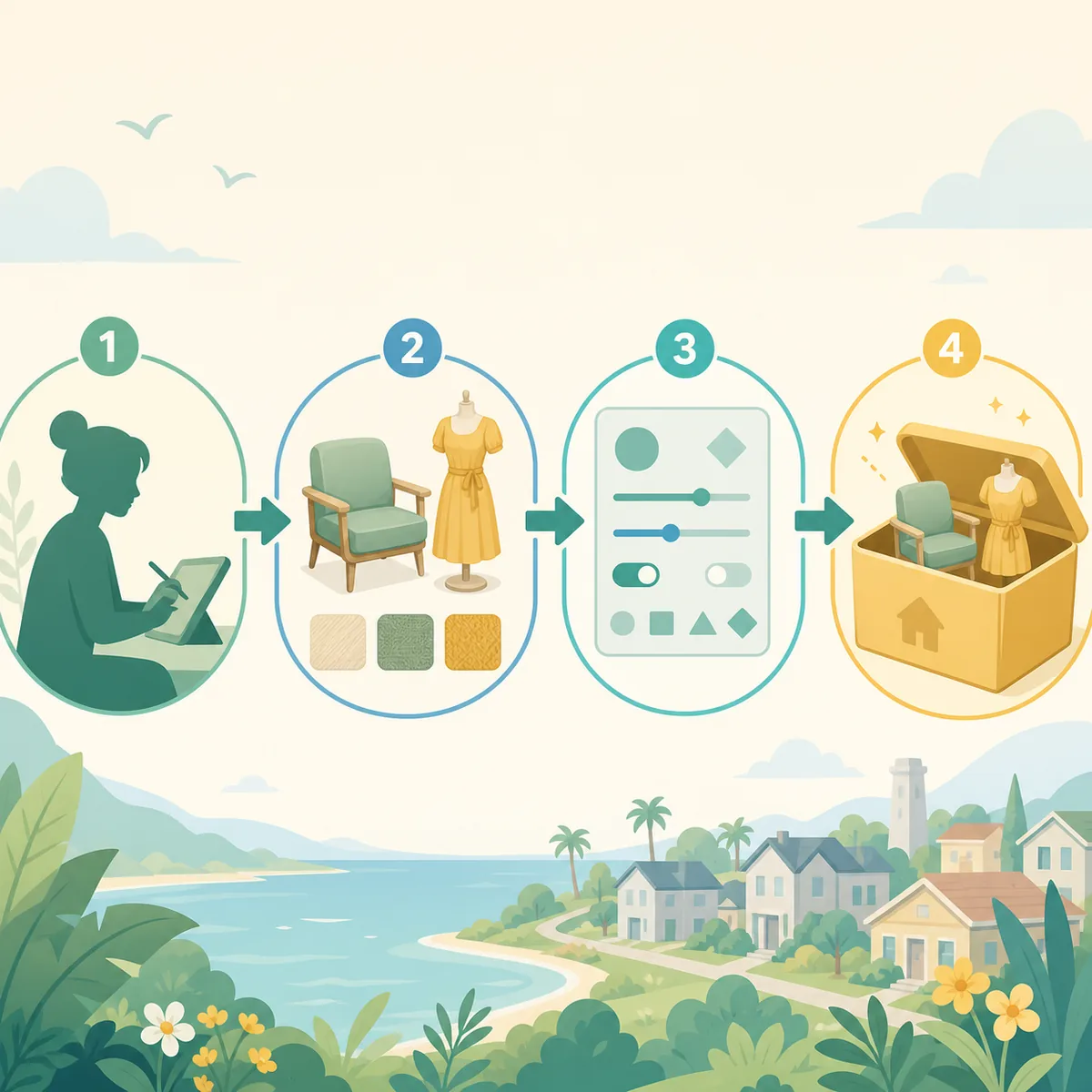
For Workshop content, confirm the subscription is active and Steam Downloads has finished. For an external archive, extract it only as the creator instructs and check that required files are not buried under an extra folder level.
Install dependencies before testing the main item. If two copies of the same package exist, isolate one source so an old manual copy cannot hide the result of a current Workshop subscription.
- Finish deliveryWait for Steam or the manual archive process to complete.
- Check the sourceConfirm the item is for Paralives and read its creator instructions.
- Clear filtersOpen the correct catalog with search and category filters reset.
- Test one itemKeep the missing item and its required dependencies together.
If the mod is enabled but still not showing
An enabled setting does not guarantee that every file creates a visible menu entry. Restart Paralives completely, use a clean test save and check one known item in the documented mode. If thumbnails appear but the asset is unusable, move to dependency or compatibility checks.
When only one creator set is missing, compare its shared mesh, framework or package version with a known-good set. When every category is empty, investigate the shared loader, Steam state or global setting before replacing individual files.
- Restart the game after Steam or archive changes.
- Test a new save before changing the installation.
- Use a current known-good item as a control.
- Separate discovery problems from broken features.
When mods disappear after an update
If many items disappear together, the update may have changed a loader, catalog rule or shared dependency. Test one current item with the minimum required framework before assuming every creator file is outdated.
If one item disappears, check the creator page and dependencies first. Keep a backup of saves and move only the test batch outside the active location; do not delete the whole Workshop library.
| Scope | First test |
|---|---|
| One item | Category, dependency and item version |
| One creator set | Shared mesh or package |
| All Workshop items | Steam download and enable state |
| All sources after update | Loader or game-build compatibility |
Use one reproducible example
Write down one missing item, its source, expected mode, dependencies and the last time it appeared. Then repeat the same launch, save, category and filter state. This gives you evidence instead of a vague report that every mod is missing.
If a new save shows the item but an old save does not, preserve the old save and investigate save-specific state. If no save shows it, return to source, extraction and loader checks.
- Record the item and creator source.
- Record the expected Paramaker or build category.
- Record the game and Workshop update timing.
- Change one variable per test.
Keep the diagnosis reversible
Copy saves and the current file list before isolating anything. Move only a small test batch and restore it when the comparison is complete. Avoid deleting saves, Workshop directories or the only archive copy as a first response.
Once visibility returns, restore groups gradually and record the first group that makes the symptom return. Link the result to the installation guide or the separate mods-not-working guide when the issue changes from discovery to behavior.
Mods not showing FAQ
Why are my mods not showing in the mod menu?
The file may be undiscovered, disabled, missing a dependency or designed for another location. Check the creator's expected result and clear filters.
Why do Workshop mods not show in build mode?
Wait for Steam Downloads, confirm the item is a build asset, clear filters and check required dependencies.
Why are Paralives mods not showing after an update?
Test one current item and inspect the shared loader, game setting or framework before replacing every creator file.
Should I create the mods folder myself?
Only when the current creator or framework instructions explicitly require that path. A guessed folder can make discovery harder.