Paralives CC means custom content such as hair, clothes, accessories, body options, furniture and decor; use the creator source and documented dependencies.
What Paralives CC includes
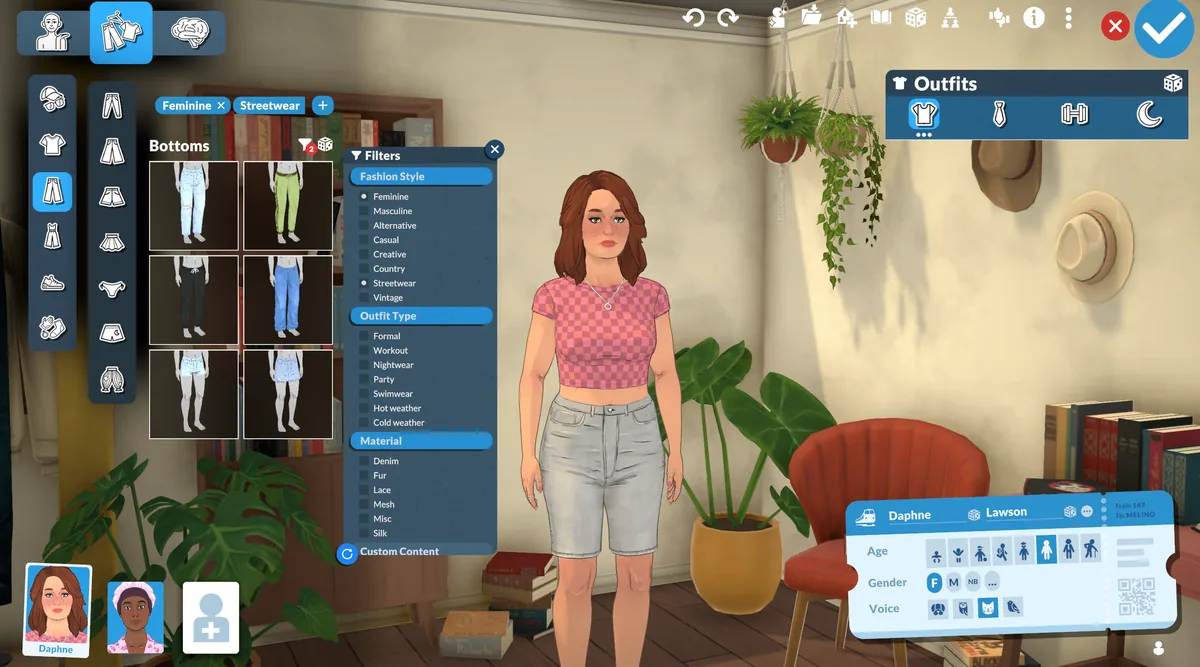
Paralives CC means custom content such as hair, clothes, nails, accessories, body options, furniture and decor. The useful classification is where the item appears: Paramaker for character content and build mode for objects.
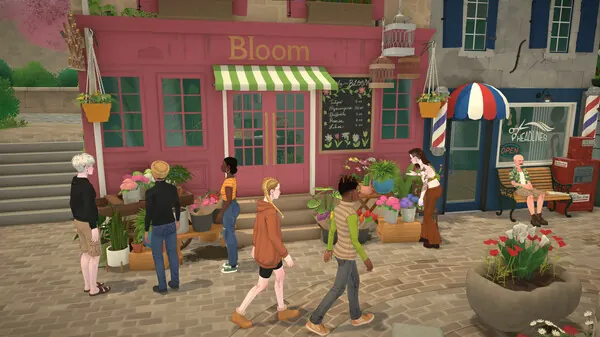
A CC page should name the creator source, expected category, dependencies and compatibility evidence. A generic game screenshot cannot replace details about the actual asset.
- Hair and hairstyles
- Clothes and outfit pieces
- Nails, jewelry and accessories
- Furniture, rugs and decor
Use the creator's source workflow
A Steam Workshop item should normally remain a Steam subscription. An archive from a creator page may need extraction and manual placement. Do not install both copies unless the creator explicitly documents that method.
Keep the original page, author name, dependencies and tested game build with your notes. If a file is paid, removed or hosted on Patreon, linking to the authorized source is different from mirroring the package.
- Verify the sourceConfirm the page names the creator and is for Paralives.
- Read requirementsInstall shared meshes, textures or frameworks first.
- Use one methodSubscribe through Steam or follow the manual archive instructions.
- Test the categoryRestart and check the Paramaker or build location named by the creator.
How to install and test custom content
For manual CC, extract the archive only when instructed and avoid an extra nested folder. For Workshop CC, wait for Steam Downloads and restart the game. Clear catalog filters before deciding that a correctly installed item is absent.
Test one creator set at a time. Hair can reveal clipping, clothing can depend on a base mesh and furniture can have a footprint or scale problem that is easier to see in a small test room.
- Record the Paramaker slot or build category.
- Keep dependencies beside the source record.
- Test one creator set before adding another.
- Compare the real asset, not only its thumbnail.
Fix missing hair, clothes or furniture
A missing CC item is often a discovery problem: the wrong category, a restrictive filter, an incomplete archive or a missing mesh. Restart after the source is ready and reproduce the creator's documented result.
If the thumbnail appears but the item is broken, check the required mesh, shared texture and current game build. Do not replace an author's file with an anonymous reupload that removes version history.
| CC check | Evidence to keep |
|---|---|
| Category | Paramaker slot or build mode |
| Dependency | Original source and version |
| Preview | Actual asset, scale and variants |
| Removal | Paras or lots that use the item |
Use practical examples
For hair CC, test front, side and back views. For clothes, check a common animation and the expected body slot. For furniture, place the object beside a base-game item and confirm its footprint and swatches.
These examples answer a stronger question than “does the thumbnail load?” They show whether the asset is usable in the context where a player intends to use it.
Respect creators and keep removal safe
A public page or paid release does not automatically permit redistribution. Link to the original creator source, credit the author and preserve the source terms in the page record.
Before removal, note which Paras, outfits or lots use the content and test the change in a copied save. If the creator retires a file, prefer an authorized replacement or archive over an unattributed mirror.
Paralives custom content FAQ
What does Paralives CC mean?
CC means custom content: hair, clothes, accessories, body options, furniture and decor.
Why is my Paralives hair CC missing?
Check the creator category, required mesh, extraction and catalog filters, then test the hair by itself after a restart.
Can I install Workshop CC manually too?
Avoid duplicate copies. Use the creator's documented method and keep Workshop subscriptions managed by Steam.
Does this site mirror Patreon CC?
No. A Patreon release remains subject to the creator's access and redistribution terms. We link to authorized sources.