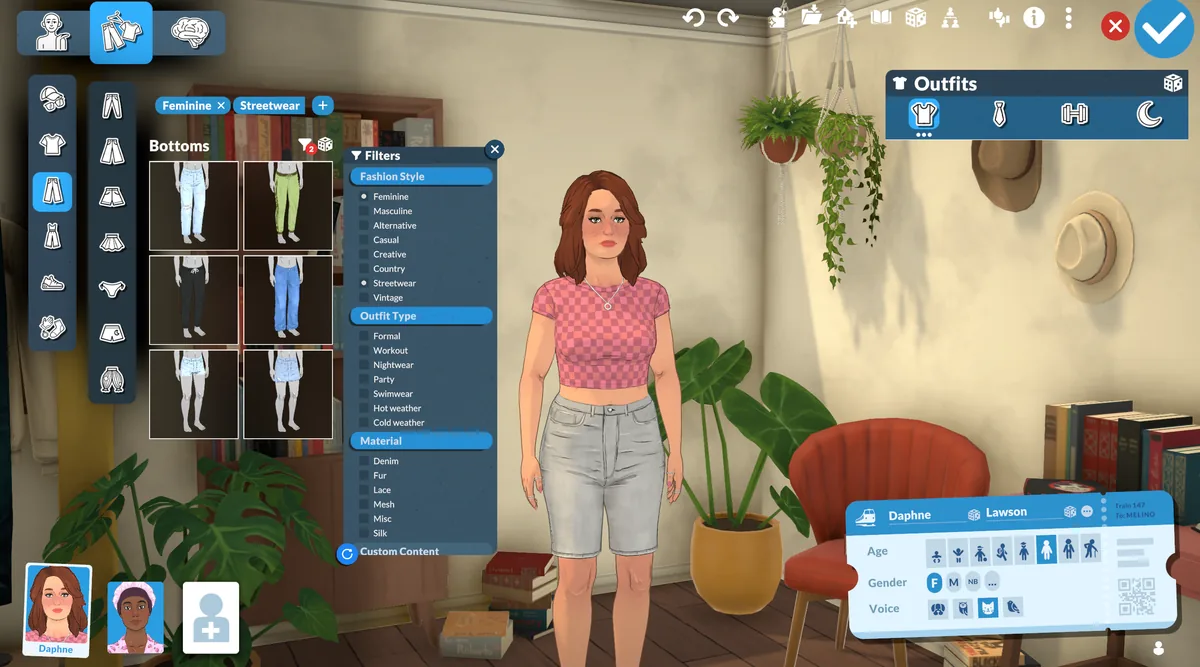
Paralives clothing mods are custom clothes or outfit changes that appear in the Paramaker. Before you install one, record the creator, original source, category, dependencies, tested game build, and installation method. Keep a save backup, use one source method at a time, and test the clothing on a copied or low-risk Para before adding another set. This page is a neutral category guide; it does not mirror files or promise that an unverified download works with every build.
What are Paralives clothing mods?
Paralives clothing mods add or change wearable content for a Para. Depending on the package, that can mean a new top, bottom, dress, accessory, outfit category, texture variant, or a mod that changes how existing clothing is copied between outfits. The useful search term is broad, but the useful installation question is precise: which Paramaker category should contain the item, and what other files does it need?
The official Paralives development page describes Paramaker clothing, multiple outfits, layering, and ongoing custom-content work. That context helps explain why clothing CC is its own category. It does not prove that a particular community file is official, current, or safe. Treat every item as a creator release that needs its own source, permissions, dependency, and compatibility record.
This page narrows the larger Paralives CC directory to clothes and outfit behavior. Hair, body options, nails, furniture, and decor may appear beside clothing on a creator page, but they should be checked in their own category. For general archive extraction, Workshop subscriptions, and platform steps, continue to the Paralives mods installation guide.
- Identify the itemWrite down whether it is a top, bottom, full outfit, accessory, category expansion, or a framework rather than assuming every clothing download is a standalone garment.
- Locate the slotUse the creator's wording for the Paramaker tab, outfit type, body slot, and variant. A correct file in the wrong category can look like a missing mod.
- Keep the sourceSave the original creator page, author name, version or update note, permissions, and dependency list beside your test notes.
- Clothing CC changes what a Para can wear; it does not automatically change the save location or the game's base files.
- A thumbnail proves that an image exists, not that the mesh, texture, category, and current build work together.
- A creator's documented method has priority over a third-party reupload or a guessed folder path.
How to choose a clothing CC source
Start with a page that identifies the author and the original release context. An authorized Steam Workshop listing, a creator's public release page, a GitHub repository or release, or another first-party page gives you a place to check updates and permissions. A search result or a copied image is not enough to establish that a file is the creator's current version.
Read the description for the exact garment category, required framework or mesh, supported game build, known conflicts, and installation method. Some pages describe a clothing asset; others describe a utility that copies outfit parts or adds categories. Both can be relevant to a clothing search, but they have different testing steps and different failure modes.
Keep the source method consistent. Subscribe to a Workshop item through Steam when that is the documented workflow. Extract a manual archive only when the creator says to do so, and do not install a Workshop copy and a manual copy of the same item just because both pages appear in search. Duplicate files make version and conflict diagnosis harder.
- Check authorshipConfirm the page names a creator and that the page is specifically for Paralives. Avoid anonymous mirrors that remove the release history.
- Read requirementsList frameworks, shared meshes, textures, category packs, or other clothing dependencies before downloading or subscribing.
- Record the releaseSave the version, update date, supported build, and source URL so you can compare the item after a game update.
- Respect permissionsLink to the authorized source rather than mirroring a paid or restricted file. Credit the creator when you share a recommendation.
Clothing slots, outfit types, and dependencies
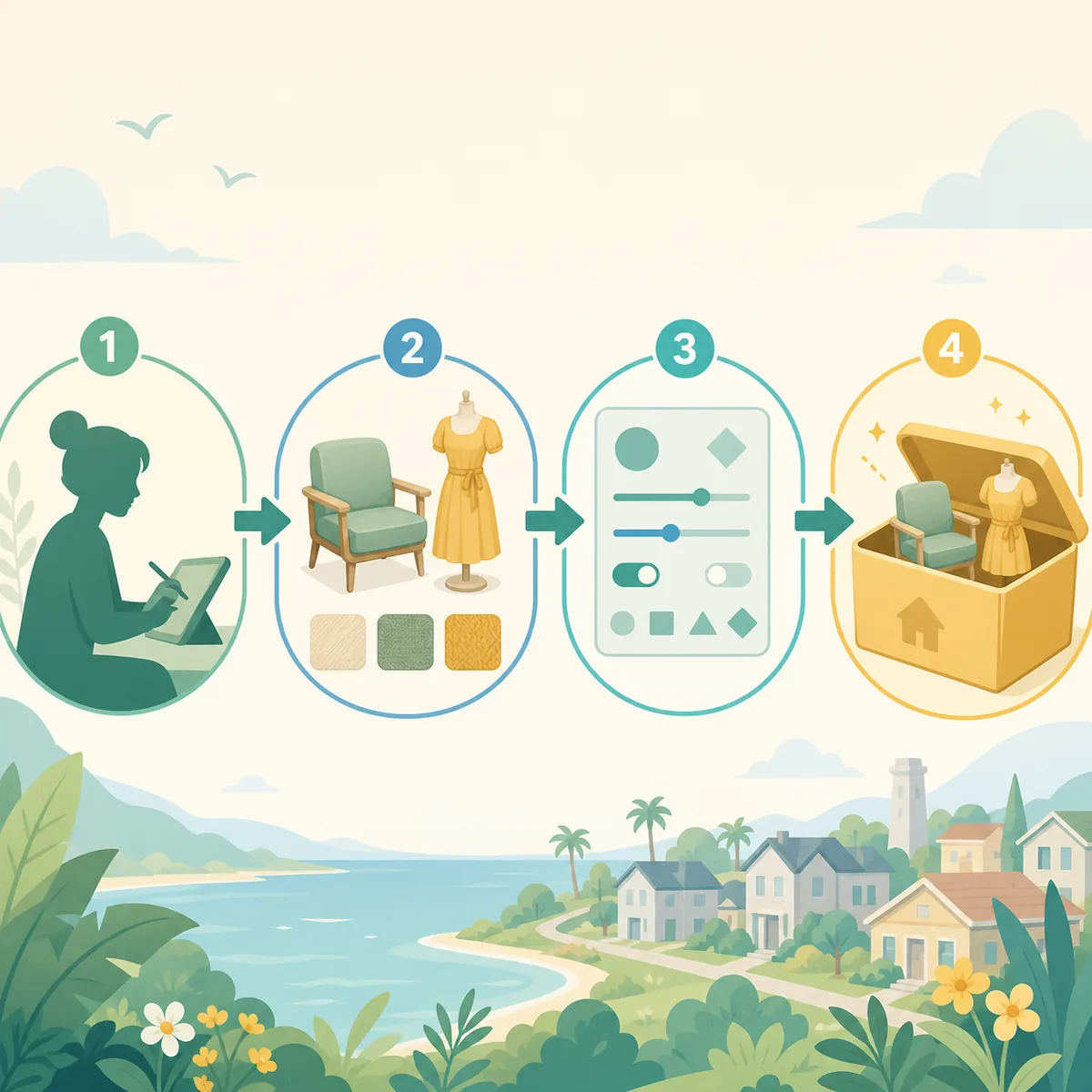
Classify a clothing mod before you judge it. Tops, bottoms, full outfits, sleepwear, swimwear, formal wear, workout wear, and seasonal or style categories can be exposed through different filters. A package may also change layering, tuck behavior, swatches, or how one garment is copied to multiple outfits. Use the labels in the creator's instructions instead of assuming that every item belongs in a generic clothes folder.
Mesh and texture dependencies are common reasons an item appears incomplete. A top can require a base body mesh, a shared texture pack, or a framework that registers a category. If the page says a dependency is required, install and test that dependency first. Do not replace it with an anonymous version because the file name looks similar.
When a clothing set includes several files, keep their names and structure together until the first test succeeds. Note whether the creator expects an archive to be extracted, a folder to remain nested, or a Workshop subscription to manage updates. A folder that is one level too deep can be indistinguishable from an item that is not installed, especially when catalog filters are still active.
- Keep clothing and body dependencies together in the source record, but do not merge unrelated creator archives.
- Check whether the item is meant for one outfit or can be copied to several outfits.
- Treat a category-expanding utility as a different type of mod from a single garment.
| What you are checking | Evidence to record | Why it matters |
|---|---|---|
| Category and slot | Top, bottom, full outfit, accessory, or category pack | Tells you where to look and which filter can hide it |
| Outfit type | Casual, formal, sleep, workout, swim, or creator-specific label | Shows whether the item is expected in every outfit or one context |
| Dependency | Framework, mesh, texture, or required companion file | Prevents an incomplete garment from being blamed on the game |
| Compatibility | Tested build, update note, and known conflict | Gives you a comparison point after an update |
How to install and test Paralives clothing mods safely
Back up the save before a clothing experiment, especially when the mod changes outfit categories or a framework. Use the existing save-folder guide for the verified Windows backup workflow. The backup is not a guarantee that every future build can read every older outfit; it gives you a known state to restore while you isolate a change.
Use a small test loop. Close the game, apply one documented source method, launch with the smallest useful setup, and check a known Para in the category named by the creator. Clear filters before deciding that an item is absent. If the item appears, test a second outfit type, a common animation, and a color or swatch change before adding another set.
Do not test a large bundle and a loader change at the same time. When a clothing mod fails, the last small change is useful evidence. Keep the working copy and the backup separate, and record the game build, source, dependencies, and result in a short note. This is faster than repeatedly replacing an entire mod library without knowing which file changed the outcome.
- Finish and close a saveSave normally, exit Paralives, and make sure the launcher is not still writing user files before you copy or replace anything.
- Use the documented methodSubscribe through Workshop or extract the manual archive exactly as the creator describes. Do not mix both methods for one release.
- Check one known ParaOpen the named Paramaker category, remove restrictive filters, and confirm the clothing item and its thumbnail appear together.
- Test behaviorTry a second outfit, a normal animation, and one color or material change. Watch for a missing mesh, texture, clipping, or a broken category.
- Record the resultWrite down the source, build, dependencies, and result before you add another clothing set or utility.
Fix missing or broken clothing CC
If a clothing item does not appear, first check the category and outfit filter from the source page. Then check whether the archive was extracted, whether the folder is nested one level too far, and whether every required dependency is present. Restart after a manual change or Workshop download has finished. The general mods not showing guide covers broader visibility checks when the clothing-specific checks are clean.
If the thumbnail appears but the garment is invisible, distorted, or missing a texture, stop adding files. Compare the dependency list and the tested game build, then remove only the newest clothing change from a copied test setup. A missing mesh or shared texture can make several outfits look broken at once, while a category filter can make a working item look absent.
If a saved Para loads with a clothing reference that no longer exists, preserve the save before removing anything. Test the removal in a copy and record which outfit or household used the item. Never delete an unknown file from the live save just to make a warning disappear. If the problem affects loading or many mods, use the broader mods not working guide after your backup is safe.
| Symptom | First check | Safe next action |
|---|---|---|
| Item is absent | Paramaker slot, outfit filter, restart, and folder depth | Test the creator's dependency and source method alone |
| Thumbnail but no garment | Mesh, texture, framework, and game build | Remove the newest change from a copied setup and compare |
| Outfit loads incorrectly | Layering, body variation, animation, and conflict notes | Test one outfit and keep the original save untouched |
| Save or catalog will not load | Backup, last mod batch, and version change | Stop adding files and move to focused troubleshooting |
What to record before keeping a clothing set
A useful clothing collection is easy to audit. Keep a small record with the creator, source URL, garment type, Paramaker category, dependencies, tested build, update date, installation method, and any known conflict. You do not need a complicated database; a text note beside the archive or a spreadsheet row is enough to tell a current release from an old copy.
Check one normal animation and one different body or outfit context when the creator says the item supports them. Look for clipping, missing textures, incorrect layering, and a catalog thumbnail that does not match the actual garment. A clothing mod that works only in one narrow preview can still be useful, but the limitation should be recorded instead of hidden behind a generic “compatible” label.
When you remove a set, note which Paras, outfits, or lots used it and test the change in a copied save. Keep the original source record even if the author retires the release. If a file cannot be verified or the original page is unavailable, mark it unverified and do not create a guessed download button.
- Source and author: where the item came from and who maintains it.
- Category and dependency: where it appears and what must load first.
- Test result: build, outfit type, animation, body variation, and visible limits.
- Removal note: which saved characters or outfits may reference the item.
Paralives clothing mods FAQ
Does Paralives have custom clothes mods?
Yes, clothing and outfit custom content can be distributed as creator releases or Workshop items, but each item needs its own source, category, dependency, and compatibility check. The official Paramaker context explains clothing and outfit systems; it does not validate third-party files.
Where should a Paralives clothing mod appear?
Use the creator's documented Paramaker tab, clothing slot, and outfit type. Check filters, restart after installation, and do not assume every archive belongs in a generic folder.
Can I copy one outfit to another with clothing CC?
Only when the specific utility or clothing release documents that feature. A garment and an outfit-copying utility are different mod types, so test them separately and keep a save backup.
What should I do if clothing CC is missing?
Check the category and filters, extraction depth, Workshop completion, dependencies, and tested game build. If the item is still missing, isolate it in a copied setup and follow the general mods-not-showing guide.
Should I install Workshop and manual copies together?
Usually no. Use the release method documented by the creator. Duplicate copies can create version conflicts and make it unclear which file is being tested.
Can this site provide a direct clothing download?
Only when an original author has clearly authorized a verifiable source file. This category guide links to source and installation context; it does not invent mirrors or host unverified clothing archives.